

Moon Gate: Human Design Widget
The Moon's current Human Design gate, always one glance away in your menu bar.
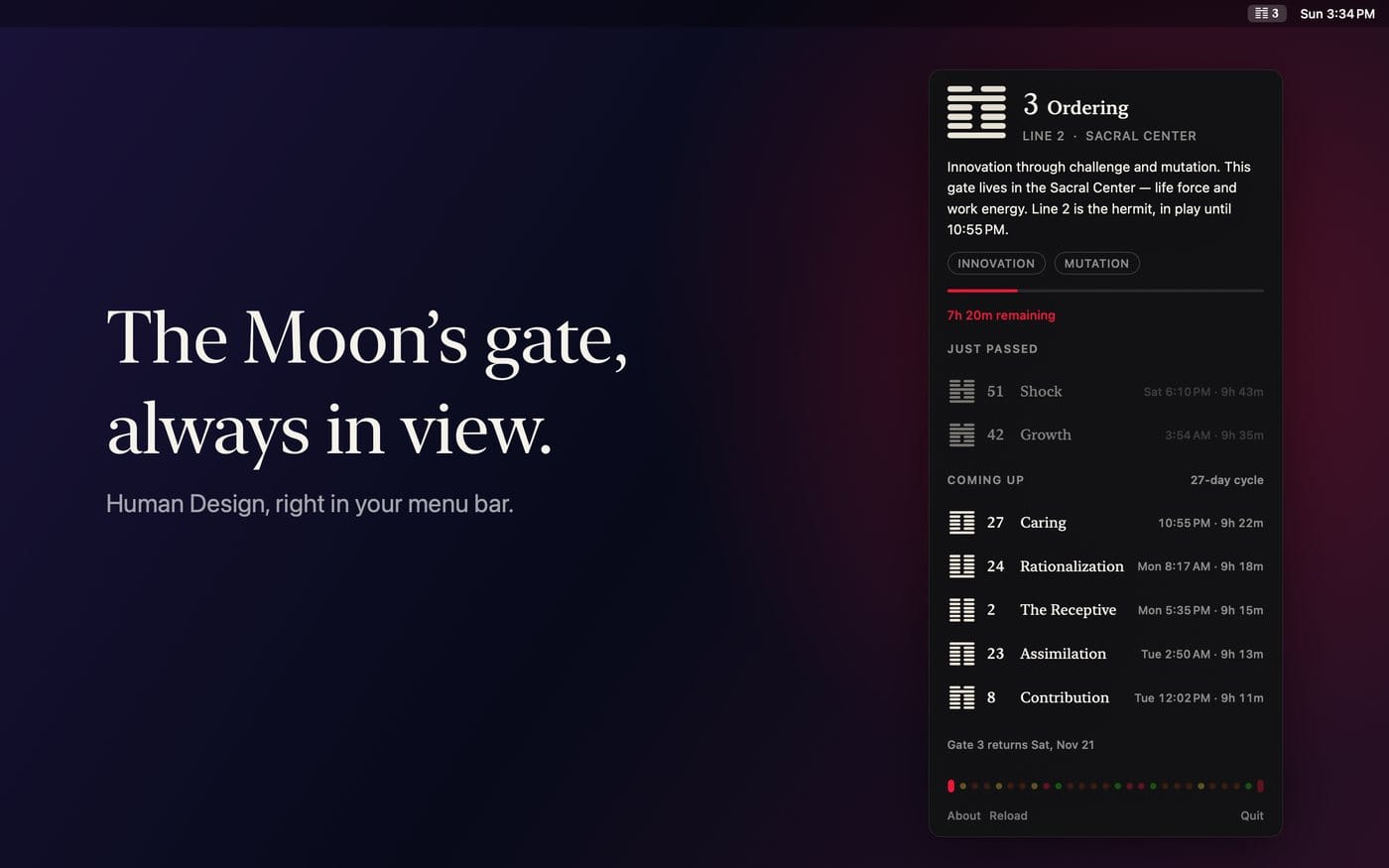
Stay in step with the Moon, quietly.
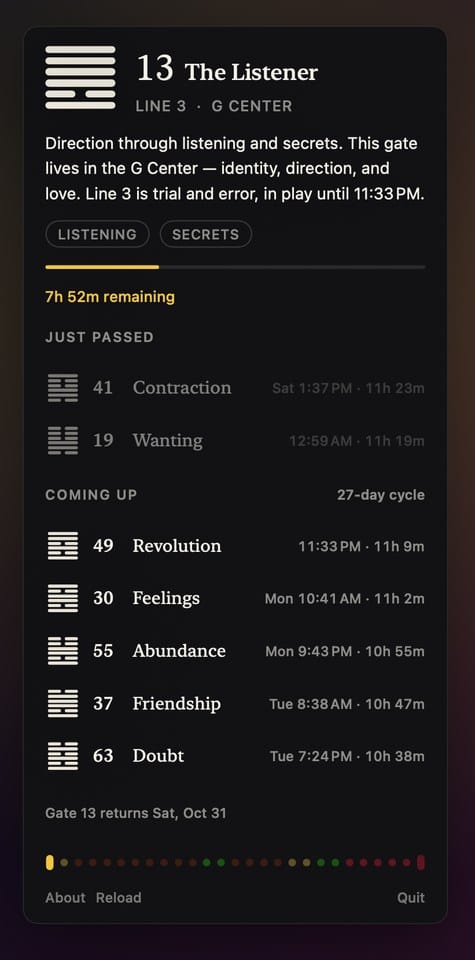
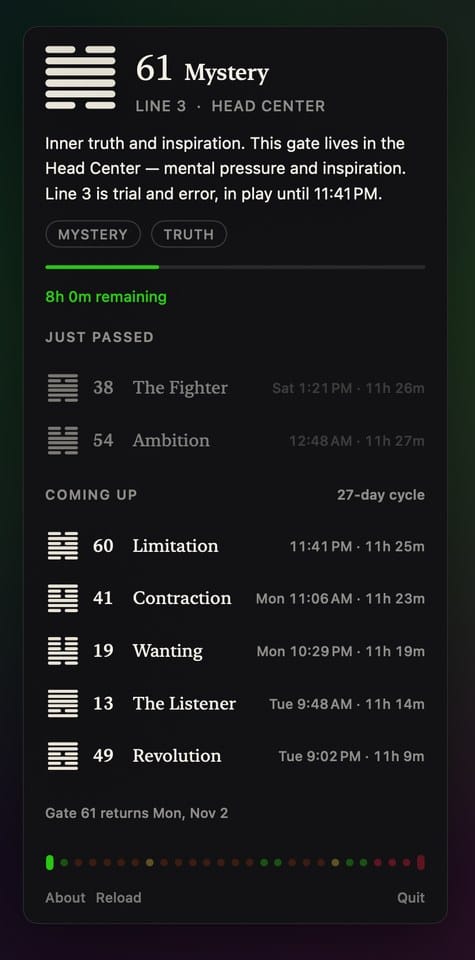
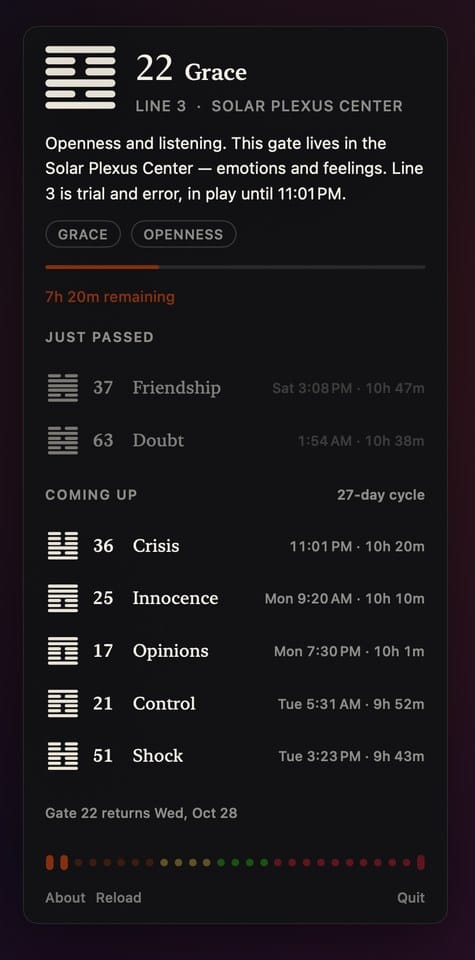
The Moon moves through all 64 Human Design gates in about 27 days. Moon Gate puts the current gate in your Mac's menu bar, so you always know where the Moon is. Click it for the full reading, with no Dock icon, no windows and nothing to set up.
Whether you follow Human Design closely or are just curious about the Moon's rhythm, it's a gentle daily touchstone for reflection. Requires macOS 14 or later and an internet connection.
Privacy. No account, no tracking, no ads, no analytics. Moon Gate collects no data about you. To show the current gate it asks for the Moon's position and shares only your device's time zone. Read the privacy policy.
Human Design is a framework for self-reflection and is not medical, financial or scientific advice.