

Moon Gate: Human Design (Apple Watch)
The Moon's current Human Design gate on your watch face, with no iPhone app needed.
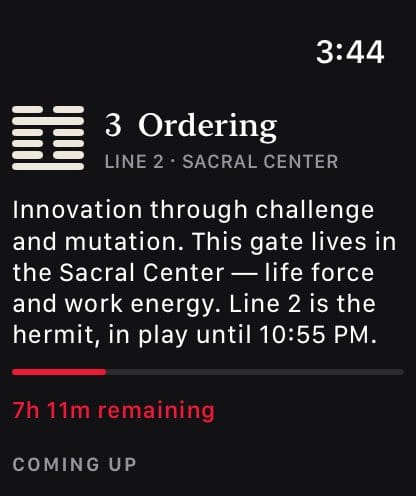


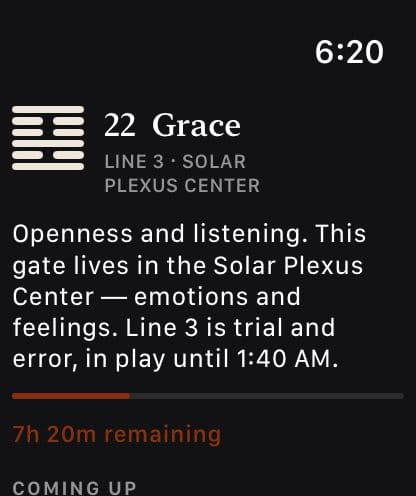
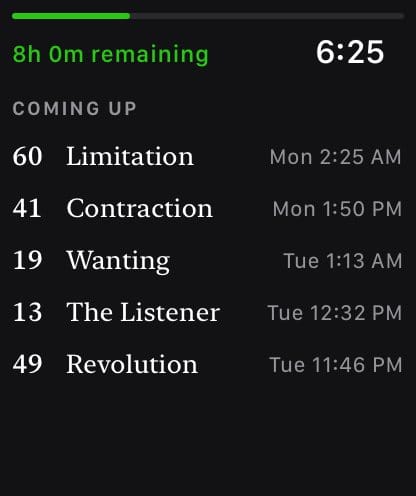
The Moon's gate, on your wrist.
The Moon moves through all 64 Human Design gates in about 27 days. Moon Gate puts the current gate right on your Apple Watch face as a complication. Tap it for the full reading, the time left in the gate and the gates coming up.
Use it as a quiet daily touchstone for reflection, whether you follow Human Design closely or are simply curious about the Moon's rhythm. Requires an Apple Watch and an internet connection.
Privacy. No account, no tracking, no ads, no analytics. Moon Gate collects no data about you. To show the current gate it asks for the Moon's position and shares only your device's time zone. Read the privacy policy.
Human Design is a framework for self-reflection and is not medical, financial or scientific advice.